

OpenAI Prompt Object Alternatives: What Should You Buy?
By Emmanuel Abou Chabke, Founder and Editor · Reviewed by the AIQuickPrompt editorial team · About the publisher
If your application calls OpenAI with a reusable prompt object, start with OpenAI’s recommended replacement: put the prompt in application code with review and tests. Buy a prompt registry if teammates regularly need to change and release prompts independently of app deployments. If people find, fill and paste instructions manually, a prompt library can be enough. OpenAI lists November 30, 2026 as the scheduled shutdown for reusable prompt objects and /v1/prompts, so identify which workflow you actually have before choosing a tool.
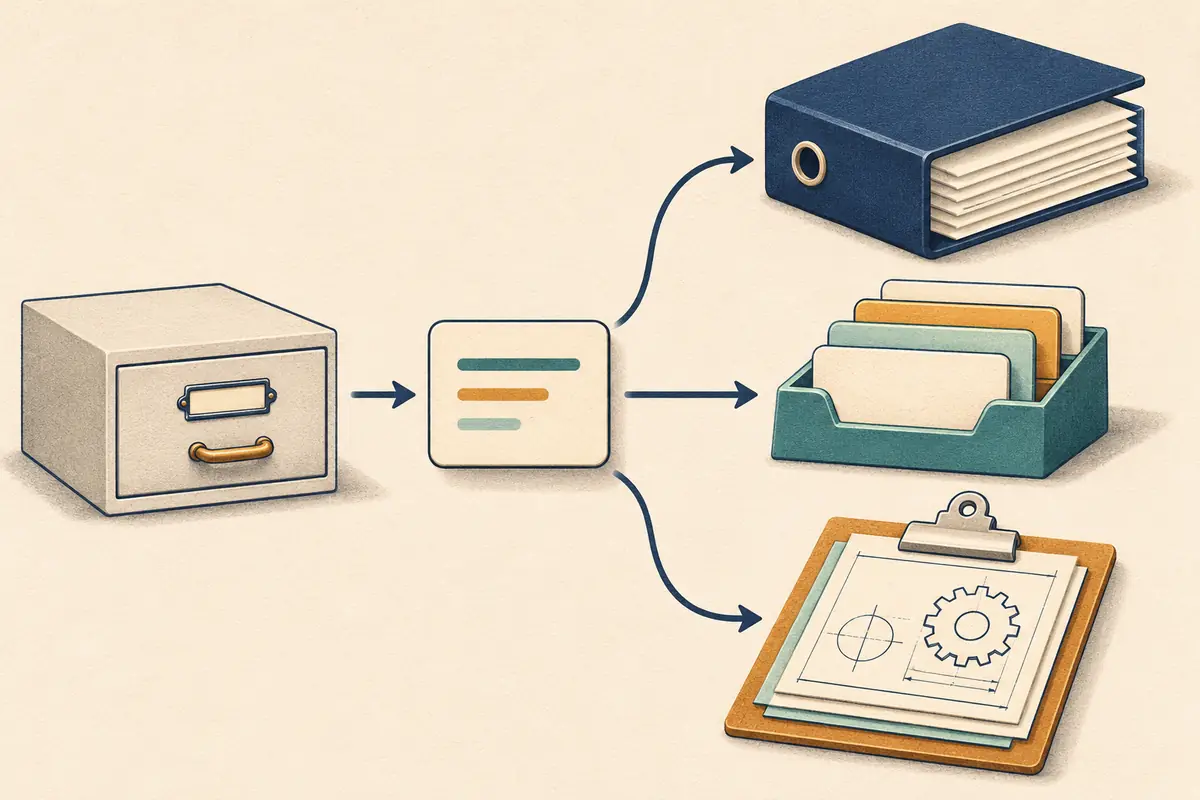
Check what depends on OpenAI prompt objects
The notice applies to reusable prompt objects in the API. OpenAI’s migration guide shows a Responses API request that references a prompt ID and version and passes variables. Check the code, configurations and jobs you maintain for that pattern. Maintain a list of the app or job, the prompt ID and the version each environment actually uses.
OpenAI also lists a separate shutdown for its Evals dashboard, API and graders used in eval workflows. If your team relies on those, track the evaluation migration separately. A place to store prompt text covers only part of that work.
Compare four replacements by how the prompt runs
Choose by who edits the prompt and how it reaches the person or application that runs it. The vendor pages list capabilities. Confirm what the actual plan includes and prove the workflow with one representative prompt.
| Option | When it fits | What to verify |
|---|---|---|
| Application code | Developers already review, test and deploy related application changes. | The prompt, its inputs and output requirements receive normal code review. A known-good deployment can be restored using the new path. |
| PromptLayer | Engineers or domain experts want a visual registry, release labels and evaluations. | The app fetches the intended version in staging and production. Check request and evaluation allowances and any required approval controls on the plan. |
| Langfuse | The team wants version labels and the ability to connect prompt versions to traces. | The app retrieves the intended label. Check hosted pricing or self-hosting effort and decide what information is appropriate to log. |
| AIQuickPrompt | People search for, fill and copy reusable instructions into their AI tools. | The saved template stays intact when someone fills variables. Confirm how you’ll find the approved wording and what you can export. |
Move one prompt and try a rollback
Start with one workflow you own. Record the prompt text, message roles and order, defaults, model settings, output format and any tools or attachments the old workflow supplies. Some settings may live in the caller, so inspect the whole request. Keep a copy of the version currently used in production. Use synthetic or suitably approved examples in the trial.
For example, take a support triage prompt expected to return a category and a next step. Give it one clear billing question and one message with too little information to classify. On the replacement path, check that both responses satisfy the expected output format and that uncertainty is handled as intended. Change a line in staging and verify you can restore the known-good version on the replacement before migrating the rest.
Workflow: {{workflow}}
Current prompt ID and version: {{old_reference}}
Replacement location and version: {{new_reference}}
Inputs and constraints to preserve: {{requirements}}
Representative cases and expected behavior: {{test_cases}}
How to restore the known-good version on the new path: {{rollback}}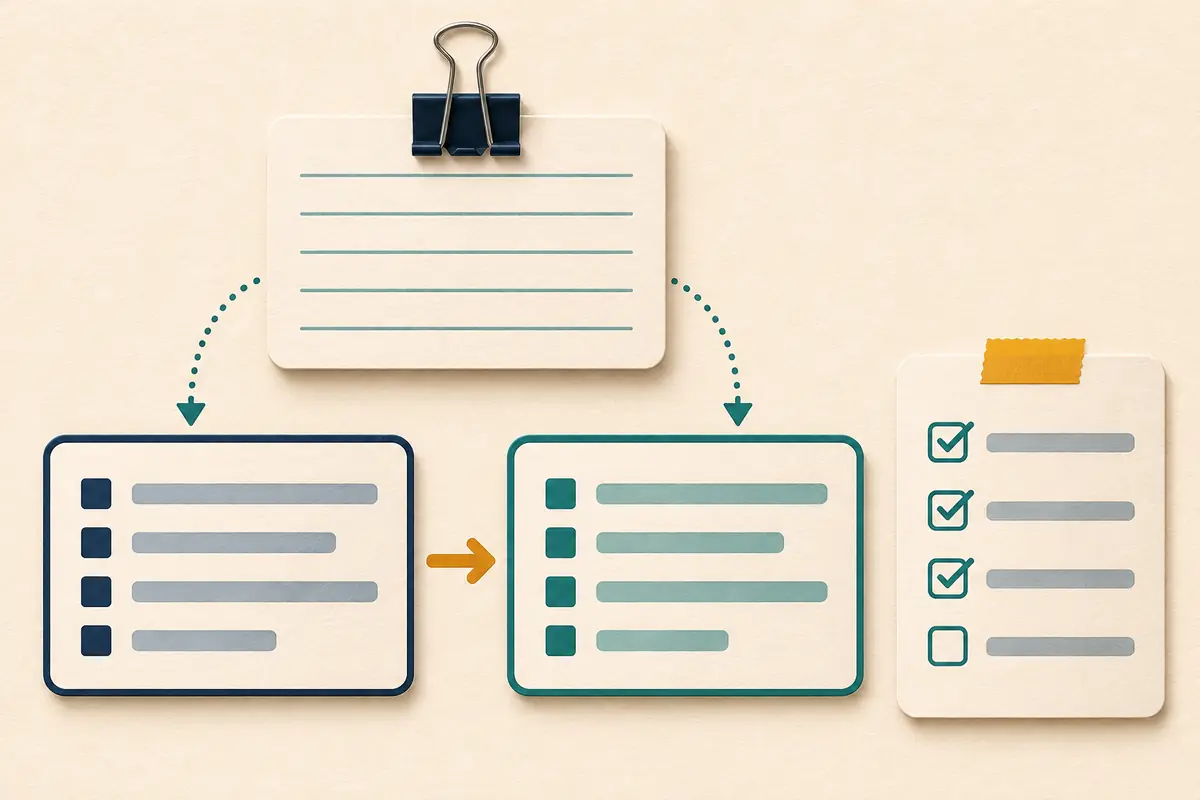
Decide what to pay for after the pilot
Stay with application code if normal review and deployment serve the people who make changes. Consider a registry when the pilot demonstrates a need for its own editing, release and rollback workflow. Include seats, runtime lookups, evaluations, tracing and storage in the cost estimate. Test what your application should do when the registry is temporarily unavailable.
For a manual collection, try AIQuickPrompt Free with one approved prompt. Fill changing inputs with Use Prompt, inspect the version history and open an example CSV export. Check the fields you actually need before upgrading. If the same instructions also run in an application, choose a single maintained source for production and label any manual working copy with its version.