

Notion Prompt Library vs Prompt Manager: What Should You Buy?
By Emmanuel Abou Chabke, Founder and Editor · Reviewed by the AIQuickPrompt editorial team · About the publisher
Use a Notion prompt library if your prompts belong beside project briefs, examples and team documentation. Try a dedicated prompt manager if you regularly fill the same instructions with new inputs across ChatGPT, Claude or Gemini. A paid Notion template buys you a starting layout and possibly starter prompts. A prompt manager is worth paying for when its reuse workflow saves a step you repeat often. Try one real handoff before paying for either.
What are you paying for?
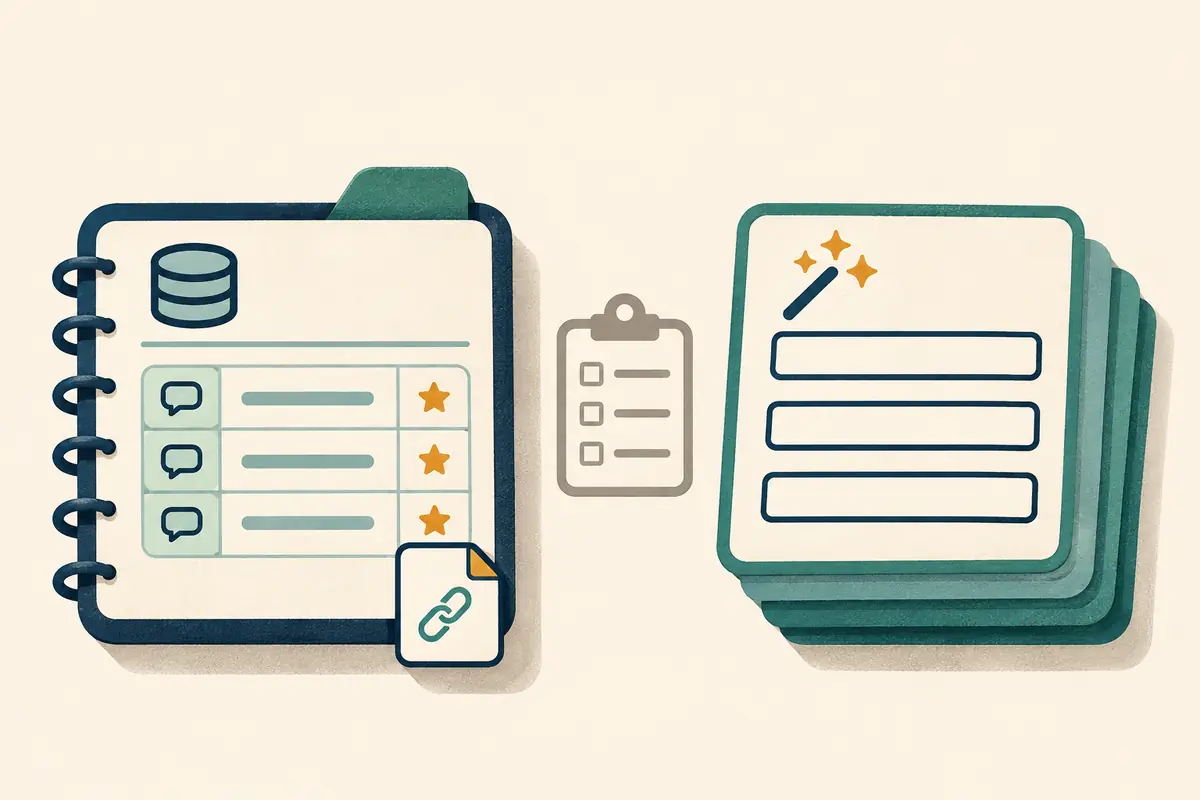
Notion Marketplace has paid prompt library templates. One listing, for example, includes a searchable database, starter prompts and bracketed fields that you replace after copying. Look at the editable database and how you will add your own prompts before counting the included prompts as value. If you only need a title, a prompt and an Approved view, try building a small database first.
Notion announced improvements to its agent integration on October 19, 2026. Connected agents can use workspace context through Notion MCP. That is a separate buying decision from getting a database template. A prompt library can work as a copy-and-paste collection in either product without setting up an agent connection.
Compare the two workflows
Use this comparison for a plain Notion database and AIQuickPrompt. Individual Marketplace templates can add their own views, buttons or instructions.
| What to check | Notion prompt library | AIQuickPrompt |
|---|---|---|
| Finding the right instruction | Filter a database view by project, owner or approval status. | Search prompt titles or text and organize prompts with folders and favorites. |
| Using it on a new brief | Copy the prompt from the record and fill the placeholders as the template directs. | Put changing inputs in reusable variables, fill them with Use Prompt and copy the result. |
| Keeping the source clear | Keep the prompt beside the brief, examples and approval notes in your workspace. | Keep the reusable prompt in the vault and its project records in your workspace. |
| Taking the text with you | Export a full-page database as CSV and include subpages for Markdown page content. | Export prompts as CSV and open a sample file to check the fields you need. |
Test a client handoff before buying
Take the instructions for one recurring client handoff and make two synthetic briefs. Give the first one a confirmed approval date. Leave the date out of the second. Keep the model and settings fixed while you compare how you find and fill the template. The output should preserve the confirmed date and flag the missing date for review.
In Notion, create an Approved view with Title, Owner, Status and Last reviewed properties. Put the prompt in the page body, and link a sample brief. A database template can give new records the same structure. In AIQuickPrompt, save the same text in a Client handoffs folder and use the placeholders below as variables. Add another similarly named draft to each collection and see whether a teammate can identify the approved source.
Prepare a client handoff for {{project}} from {{approved_notes}}. Return three sections: completed work, items that need approval, and next steps. For each next step, include an owner and due date when the notes confirm them. Preserve any confirmed approval dates. Put missing or conflicting information in a short list titled Questions to confirm. Use only the supplied notes.
Open the export before you migrate
In Notion, export the sample database as Markdown & CSV with subpages included. Open the CSV to find the record properties and the corresponding Markdown file to find the prompt you stored in the page body. If the database uses linked records or attachments, check those separately. Notion workspace permissions can affect whether you can export.
For a small AIQuickPrompt trial, copy an approved prompt or prepare a sample CSV according to the import guide. Export your trial collection and open the CSV in a text editor. Verify the full prompt, its line breaks and its placeholders. Record where you keep approval notes and example outputs. Keep the original export until the sample works in the destination.
Decide whether the extra cost is worth it
Keep Notion if the Approved view gets you to the right prompt and the linked documentation is part of each handoff. A paid template is useful if its structure saves setup work you would otherwise do. Start with AIQuickPrompt Free if your repeated problem is filling or finding prompt text across AI tools. Consider Pro once the trial shows a specific limit or feature you need, and check current plan details before purchasing.
If you use both, pick one editable home for the instructions. For example, keep the reusable prompt in AIQuickPrompt and the approval record and test examples in Notion. Give each record the same short identifier and name an owner. When testing a handoff, check that the recipient has access to the right item with a sample account or an authorized teammate.