

Prompt Testing in 2026: Improve AI Prompts Without Breaking What Works
By Emmanuel Abou Chabke, Founder and Editor · Reviewed by the AIQuickPrompt editorial team · About the publisher
Prompt testing means checking a saved instruction against examples with clear success criteria. Prompt regression testing adds one question: does your new version still handle the work the old version got right? Before replacing a useful ChatGPT, Claude or Gemini prompt, compare both versions on the same inputs. A promising answer to one difficult request is a reason to test the edit, not proof that it belongs in your library.
The November news: prompt optimization needs a preservation check
STEVE, published in the Findings of IJCNLP-AACL 2026 for the 6–10 November conference, studies instability in automatic prompt optimization. Its preprint appeared on 20 September; this is a new conference publication, not a technique first announced today.
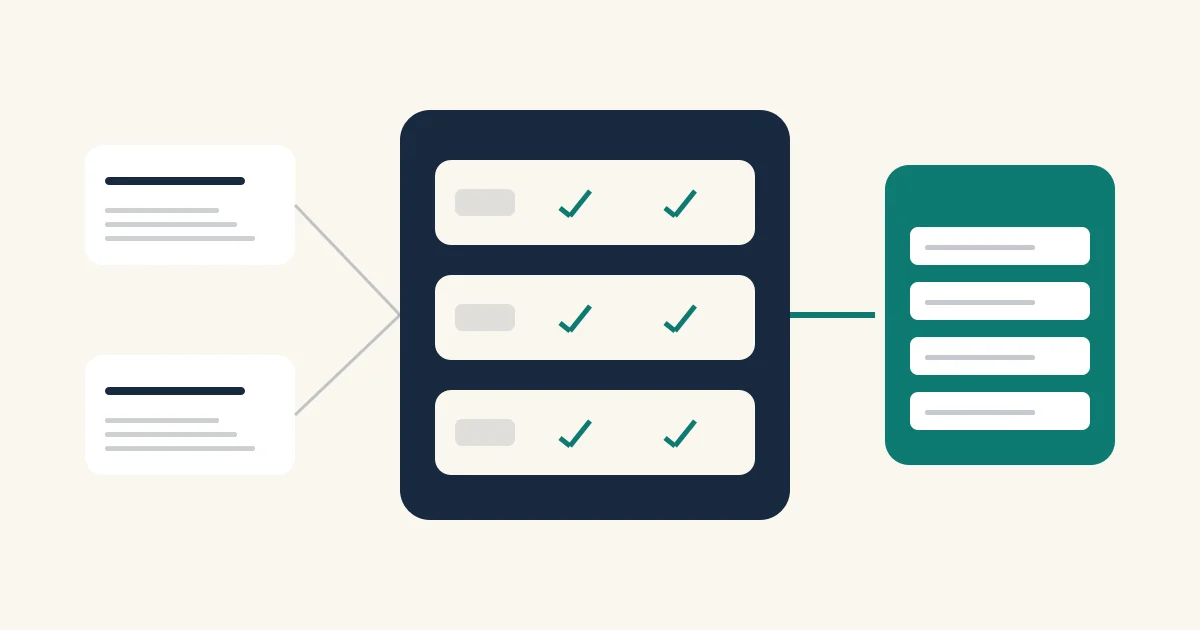
The researchers identify two problems: feedback on already-correct answers can introduce unhelpful changes, and repeatedly optimizing for difficult examples can hurt simpler ones. Their method uses failures to guide revisions and a separate preservation set to check candidate updates. They report more stable results across ten reasoning benchmarks.
The practical takeaway below is our adaptation for everyday prompt libraries. It is not a reproduction of STEVE, a benchmark of chat apps or a claim that these templates deliver the paper's results.
What a prompt regression looks like at work
Imagine a saved prompt that turns a client brief into a short email. It works until a brief arrives without a deadline. You add: ‘Always ask questions before drafting.’ That catches the missing date, but now the model also asks questions when the brief is complete. You fixed one case and made the routine case less useful.
Try a narrower edit: ‘If the brief lacks a fact needed for the email, list the missing facts instead of inventing them. Otherwise, draft the email.’ This is an illustrative revision to test, not a measured result.
| Test input | Required behavior |
|---|---|
| Complete brief | Draft the email without unnecessary questions |
| Brief missing an essential date | Identify the missing date; do not invent it |
| Brief containing conflicting dates | Flag the conflict before drafting |
How to test AI prompts in five steps
Start with one task you repeat. Choose the acceptance rules before looking at the new answer, so polished writing does not hide a missed requirement.
- Keep a baseline: save the existing prompt before editing it.
- Build a small case set: include routine inputs, a known failure and a conflicting or incomplete input. Add realistic examples as you encounter them.
- Change one requirement: address the observed failure without rewriting unrelated instructions.
- Compare like with like: use the same model, inputs, tools and settings where available. Keep conversations separate so earlier answers do not influence the comparison.
- Review every case: keep the edit only if it fixes the target problem and preserves essential behavior. Repeat uncertain cases and record disagreements.
Copy-ready template: request a targeted prompt revision
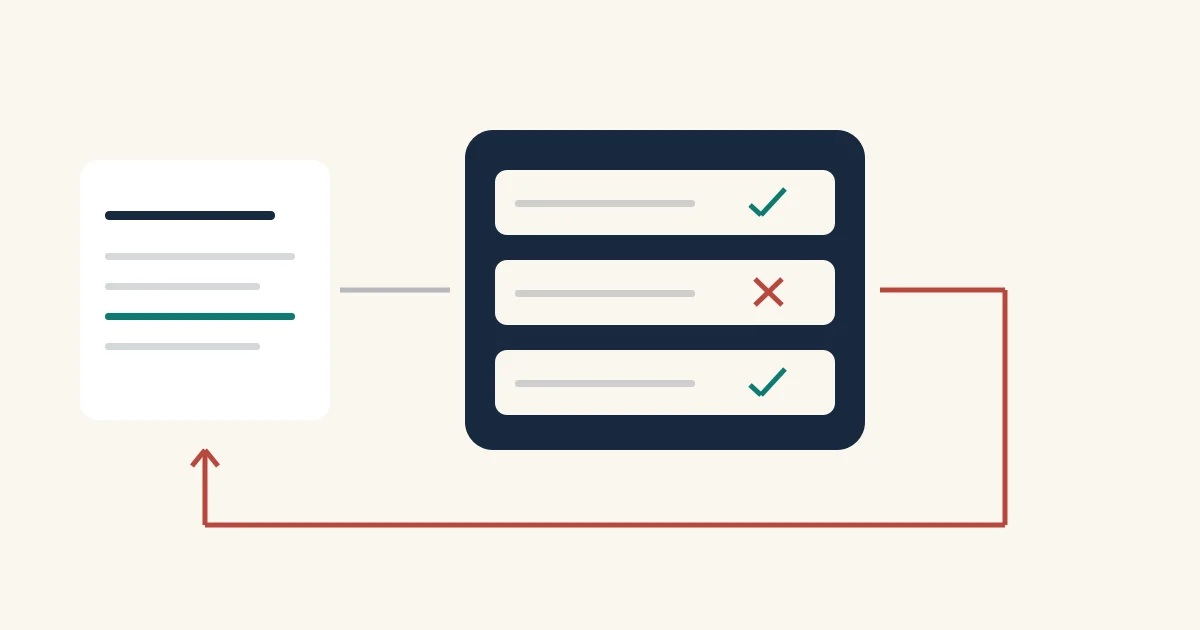
Fill the placeholders with an actual failure and your own requirements. Remove confidential client material. Ask for a candidate edit, then run it against the cases yourself; the optimizer's explanation is not a test result.
Revise this reusable prompt: {{baseline_prompt}}
Observed failure: {{failed_input_and_output}}
Required behavior: {{acceptance_rules}}
Behavior that must remain unchanged: {{preservation_rules}}
Propose the smallest useful edit.
Return the revised prompt, the reason for each change and possible regressions to test.
Do not claim to have run tests or improved accuracy.
Copy-ready template: a prompt evaluation test card
Keep expected behavior separate from the answers you collect. For factual tasks, use checked reference material; for writing tasks, define observable requirements such as length, supported claims and required fields. An AI reviewer can help spot issues, but a person should resolve uncertain judgments.
Task: {{task_name}}
Baseline version: {{baseline_version}}
Candidate version: {{candidate_version}}
Model and date: {{model_and_date}}
Tools and settings: {{tools_and_settings}}
Test input: {{test_input}}
Expected behavior: {{expected_behavior}}
Baseline output: {{baseline_output}}
Candidate output: {{candidate_output}}
Check: required facts, format, missing information and unnecessary steps.
Record: pass, fail or uncertain for each version, with evidence.
Decision: keep, revise or reject the candidate.
Unresolved questions: {{review_notes}}
Keep prompt versions in AIQuickPrompt, then test where you work
Save the baseline, candidate and reusable test card in your prompt library. Use a clear title such as ‘Client email — missing-date check’, and keep changing inputs in reusable variables. Record what changed and which model you checked before promoting the candidate to your everyday version.
AIQuickPrompt provides prompt storage, reusable variables and version history. The workflow here uses those features to organize your work; you run the comparisons in your chosen AI tool and record the results yourself. Saving a prompt does not automatically execute a regression suite.
If you already use AI Optimise, treat its suggested wording as a candidate for the same checks. For the wider editing process, read our prompt optimization guide; use this test card whenever you need evidence that an edit is worth keeping.