

Is Gemini Notebook (Formerly NotebookLM) Worth Paying For?
By Emmanuel Abou Chabke, Founder and Editor · Reviewed by the AIQuickPrompt editorial team · About the publisher
Use Gemini Notebook’s free access first if you can finish your usual research without hitting a limit. Upgrade when a recurring task gets blocked and the plan shown in your account solves that problem. If your main frustration is rebuilding the same research prompt, save the instructions as a reusable template first.
What changed after NotebookLM?
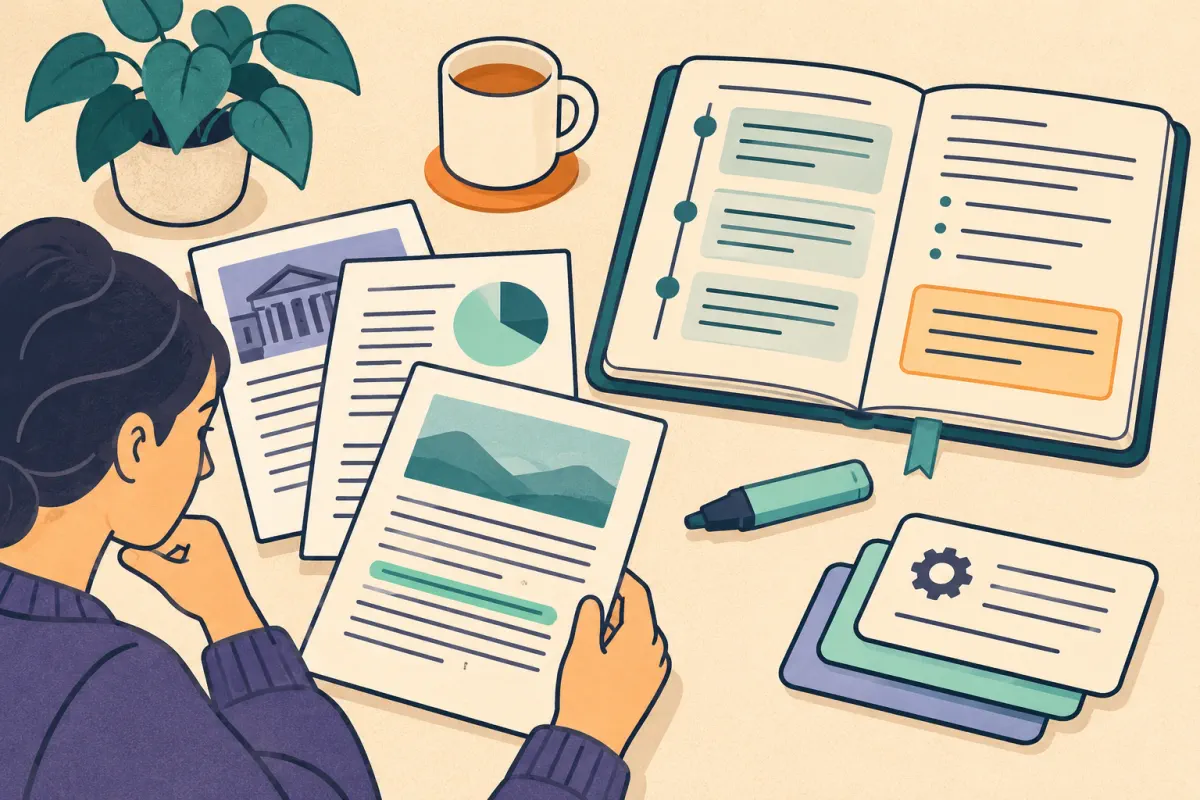
Google renamed NotebookLM to Gemini Notebook on July 16, 2026. It remains a standalone research product. In its chat, you can select the sources for a question and open a citation to inspect the passage it points to.
In October 2026, Google also announced more control over the plan for Slide Decks and Video Overviews. If you’re considering an upgrade for one of these outputs, first check which controls are available in your account and try a small example.
Free vs paid Gemini Notebook
Google describes compute-based limits. What you ask, the features you use and the length of the conversation can affect how quickly you reach them. Check the Usage section in settings or the notices in chat or Studio. Compare your account’s limits and local subscription price before upgrading.
| Option | Choose it when | Check first |
|---|---|---|
| Free Gemini Notebook | You can finish your usual source checks and outputs | Whether a limit interrupts real work |
| Paid Google AI access | A recurring limit blocks work and a higher allowance would help | Eligibility, exact limits and local price in your account |
| AIQuickPrompt | You want to find, fill in and reuse instructions across approved tools | Whether search and variables save repeated work |
Test one research task before upgrading
Make one notebook with three public or approved sources you know well. For example, use three vendors’ public help pages to compare file export, update frequency and support. Pick one criterion you expect at least one source to omit so you can see how the tool handles missing evidence.
Paste the prompt below. Open at least three citations and compare the answer with the relevant passage. Record unsupported claims, time spent correcting the result and any limit that interrupted the task. Repeat the trial during a normal workweek before deciding to pay.
Using only the selected sources, answer {{question}}.
Compare the sources against {{criteria}} in a table.
For each factual claim, cite the passage that supports it.
If a source doesn't address a criterion, write “not found in the selected sources.” Flag conflicting evidence.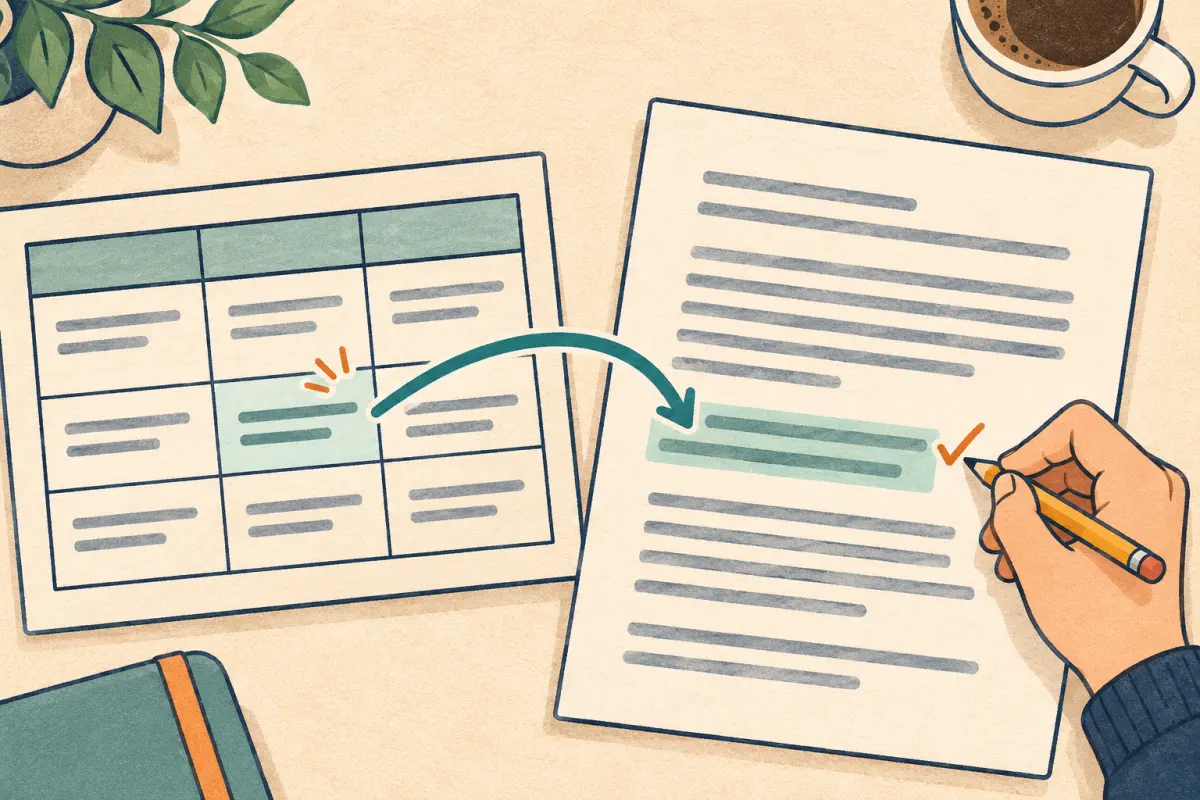
Save the workflow for the next project
If your work consists mainly of asking questions about a specific set of documents, keep the approved sources in your notebook and verify answers there. If you repeat the same method across projects or assistants, save the instruction text in AIQuickPrompt. Fill in the variables for the new project, then copy the prompt to the tool where the approved sources are available.
Keep the prompts and the project data separate. You can save the comparison template without storing the underlying documents. Try this with the free plan before buying extra capacity.